Step 01
Choose and Validate Your Product Idea
Help you pick a digital product idea that matches what you know and what people want to buy.
Your product starts with something you already understand better than a beginner. Think about what friends ask you for help with, what you have figured out the hard way, or what you could explain to someone in a single afternoon.
Step 02
Create and Format Your Digital Product
Turn your idea into a finished digital file your customer can download and use.
Most first-time creators make a PDF. It works on every device, is easy to create, and feels like a real product to your buyer. Start with a simple outline. Break your topic into 5 to 8 sections. Under each section, list the key points you need to cover.
Step 03
Design Your Product Cover and Mockup
Create a visual that makes your product look trustworthy and worth buying.
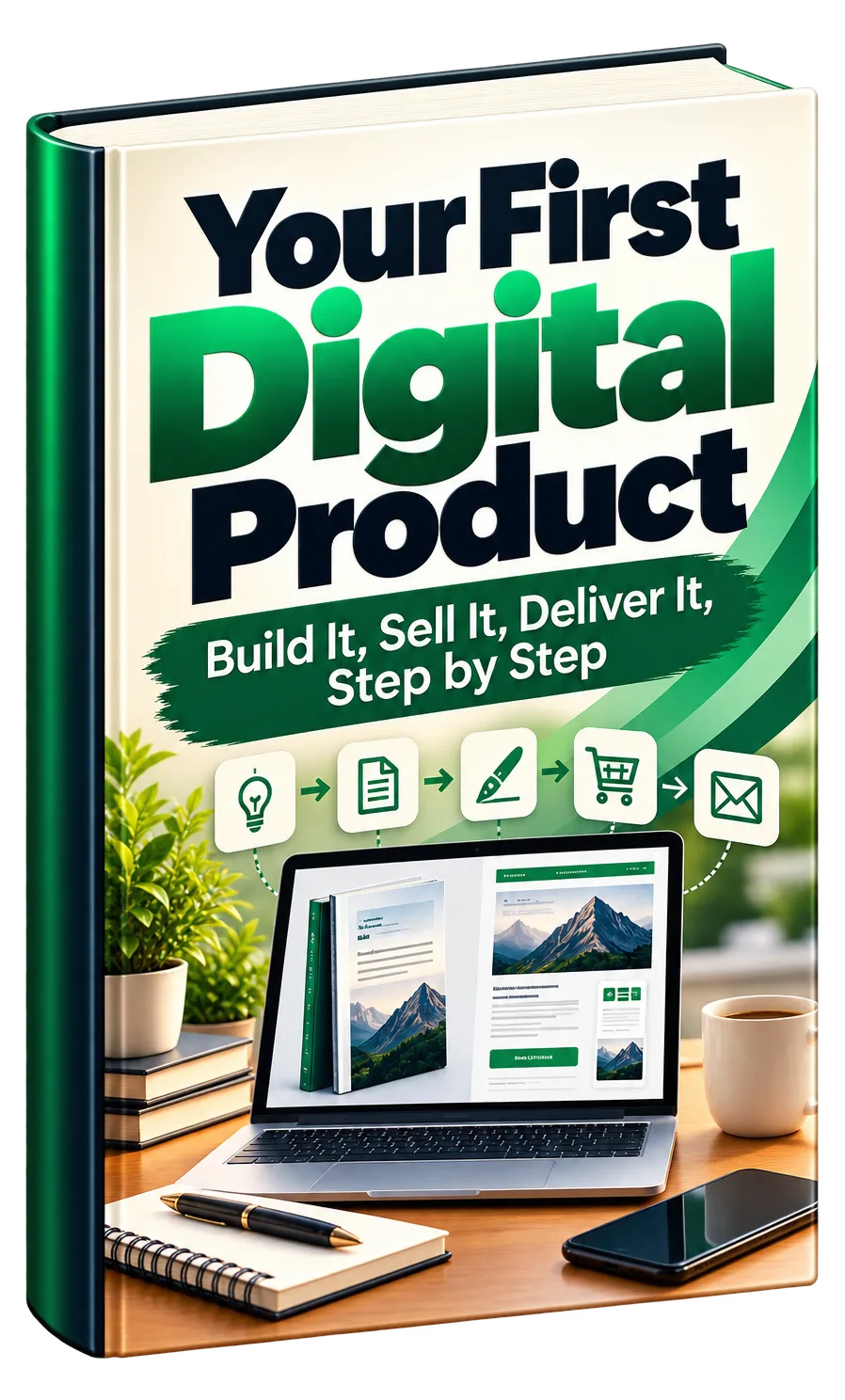
People judge your product by its cover. A professional-looking cover tells buyers you took this seriously, even if the inside is simple. You do not need design skills. Free tools like Canva offer ebook and PDF cover templates.
Step 04
Build Your Sales Page
Write and assemble the page that explains your product and asks for the sale.
Your sales page is a single webpage with one job: convince the right person that your product is worth buying right now. You do not need a fancy website. A simple page builder or even a long document you share as a link can work.
Step 05
Set Up Payment and Checkout
Connect a payment system so buyers can pay you and receive your product automatically.
You need a way to collect money and a way to deliver your product without you doing it manually each time. For beginners, the simplest path is a payment platform that handles both.
Step 06
Create Your Delivery Page and Thank You Experience
Build the page buyers see after purchase so they feel confident and get their product smoothly.
The moment after payment is when buyer's remorse can creep in. A clear, warm delivery page prevents refunds and starts the relationship well.
Step 07
Create a Free Lead Magnet
Build a simple, valuable free item that attracts your ideal buyer and earns their email address.
A lead magnet is a free digital item you give away in exchange for an email address. It attracts people who want your topic but are not ready to buy yet. Done well, it builds your email list with future buyers.
Step 08
Build Your Opt-In Page and Connect Email Marketing
Create the page that collects emails and link it to a system that stores and sends emails automatically.
Your opt-in page has one job: convince someone to enter their email address to get your free lead magnet. It should be simpler than your sales page.
Step 09
Write Your 7-Email Follow-Up Sequence
Create a series of emails that build trust and naturally lead subscribers toward buying your product.
Your follow-up sequence turns new subscribers into buyers over one week. Each email has a specific job. Send them daily or with one day between. Email 1, immediately: deliver the lead magnet and welcome them.
Step 10
Plan Content That Attracts Your Ideal Buyer
Find ideas and hooks that stop the scroll and bring the right people into your funnel.
Your content is the front door to your entire system. It lives on social media, brings people to your opt-in, and grows your email list. You do not need to be everywhere. Pick one or two platforms where your ideal buyer already spends time.
Step 11
Test Everything Before You Launch
Run your complete system from start to finish and fix any problems before real customers see it.
Testing catches the broken links, confusing words, and missing steps that kill sales and create refunds. Do this carefully, even if you are eager to announce your product.